Compose
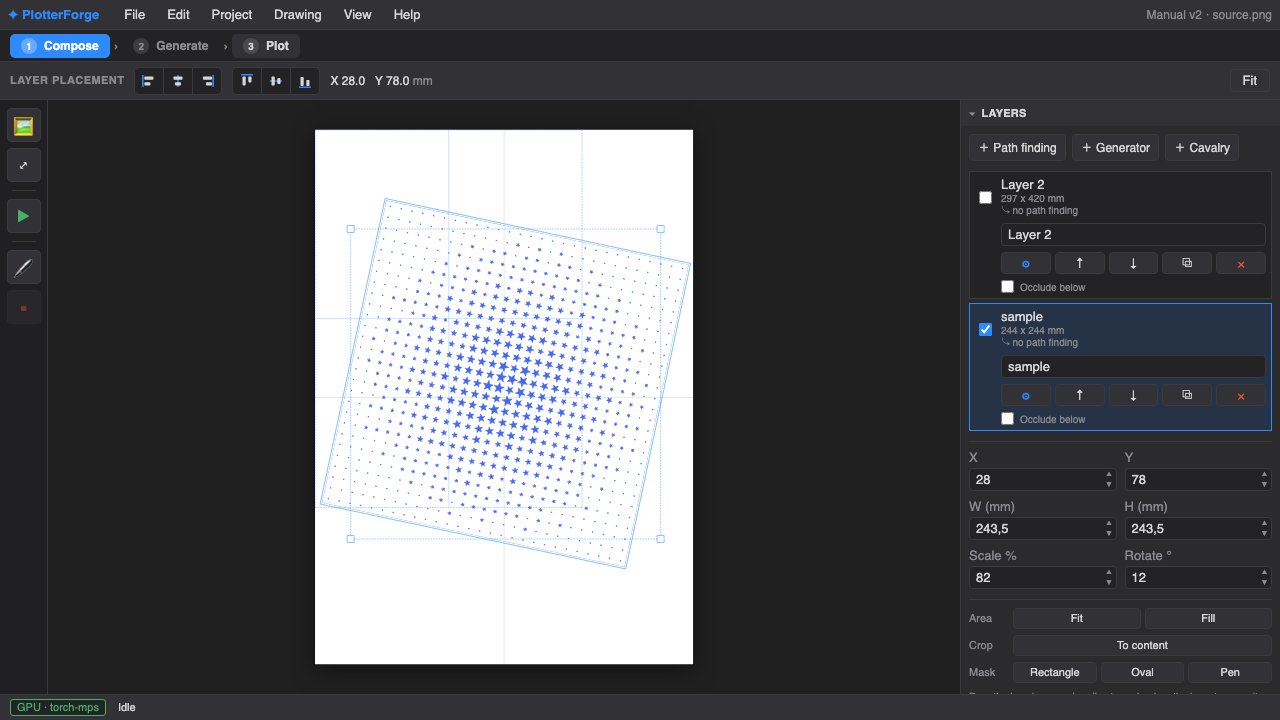
Place, scale, rotate, fit, and layer source images on a page measured in real-world units.
Turn photos and procedural drawings into layered, plotter-ready SVG. Pick from 50 path-finding styles, compose on a physical page, preview every pen, and plot from the same local app.
One continuous workflow
PlotterForge keeps the source image, vector treatment, page layout, pens, and plotter job inside one versioned project. You can still export SVG whenever another tool belongs in the chain.
Place, scale, rotate, fit, and layer source images on a page measured in real-world units.
Choose a path-finding style, tune its controls, and assign the result to one or more pens.
Preview every pass, check the time estimate, export layered SVG, or drive a Grbl plotter.
50 path-finding modules
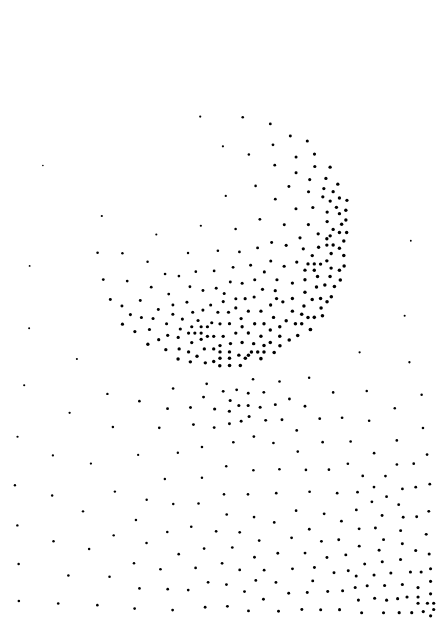
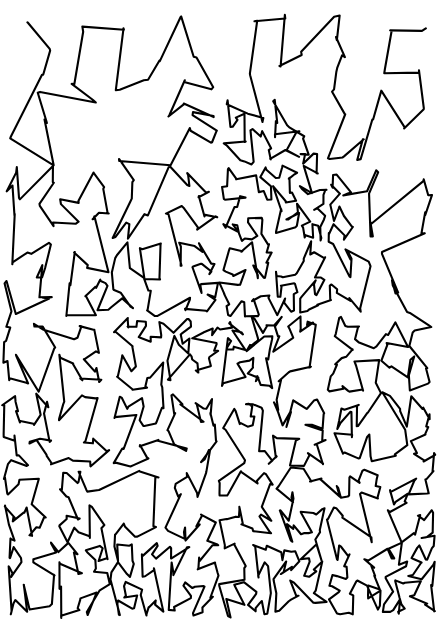
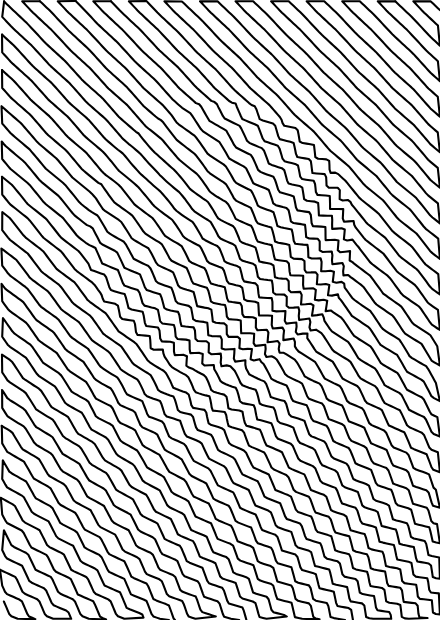
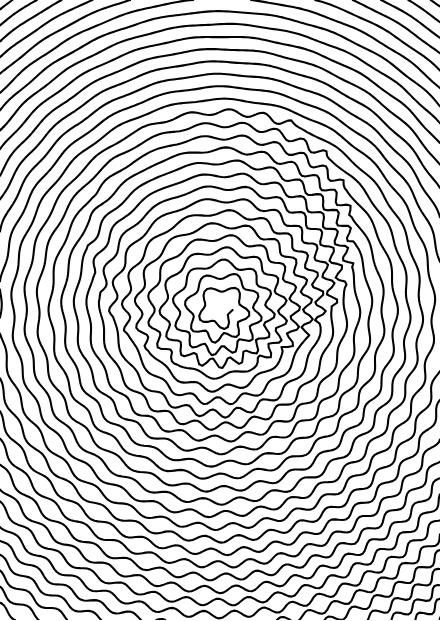
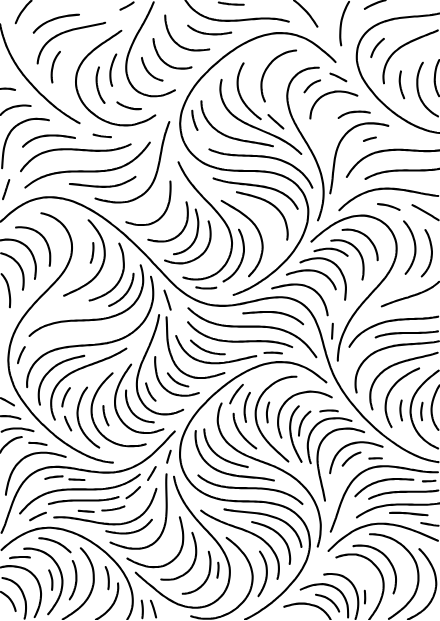
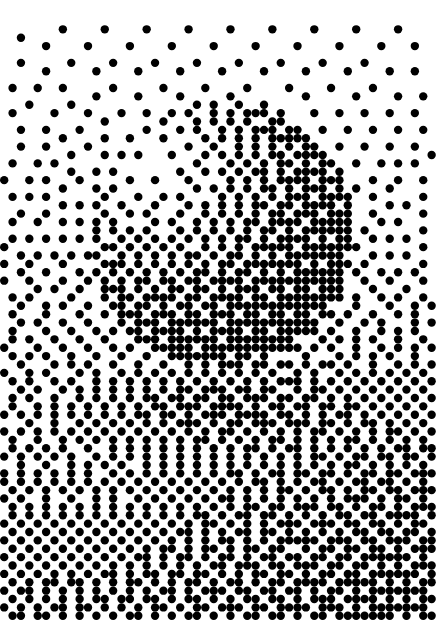
Move from quiet Voronoi stippling to dense TSP routes, engraved hatching, flow fields, dithers, mosaics, differential growth, and raster-driven tessellations. Every module has controls generated from a typed schema, so the interface stays consistent as the geometry changes.
See the complete feature list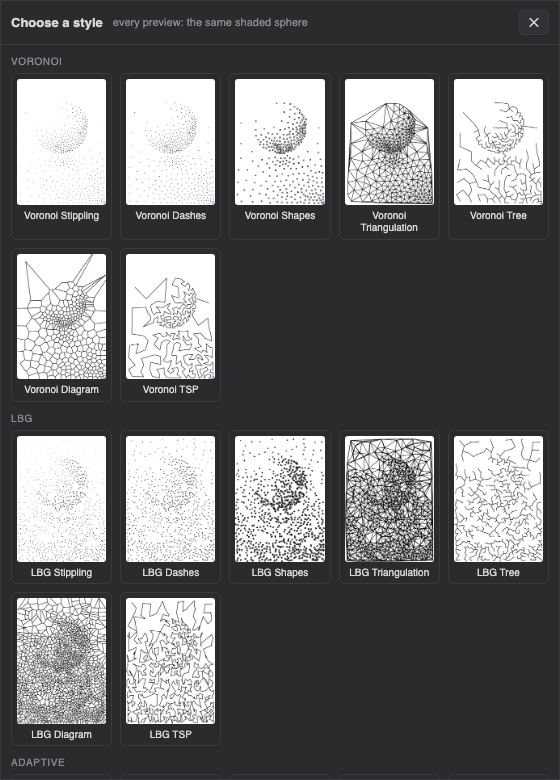
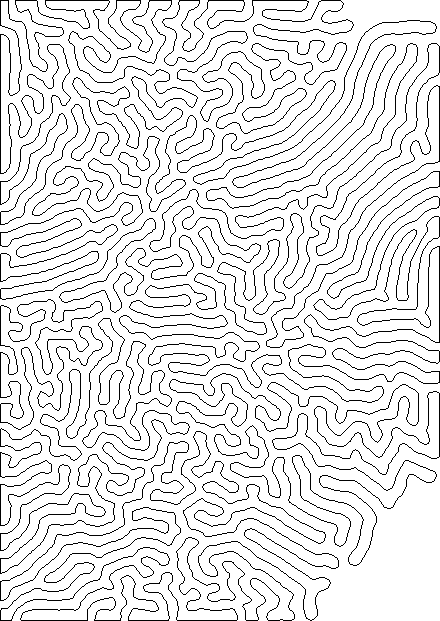
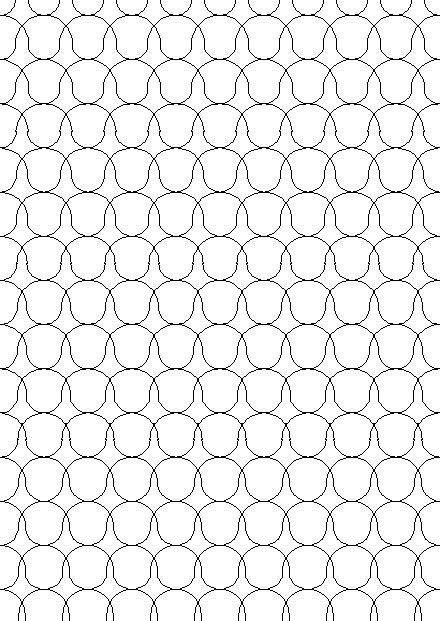
Direction, not decoration
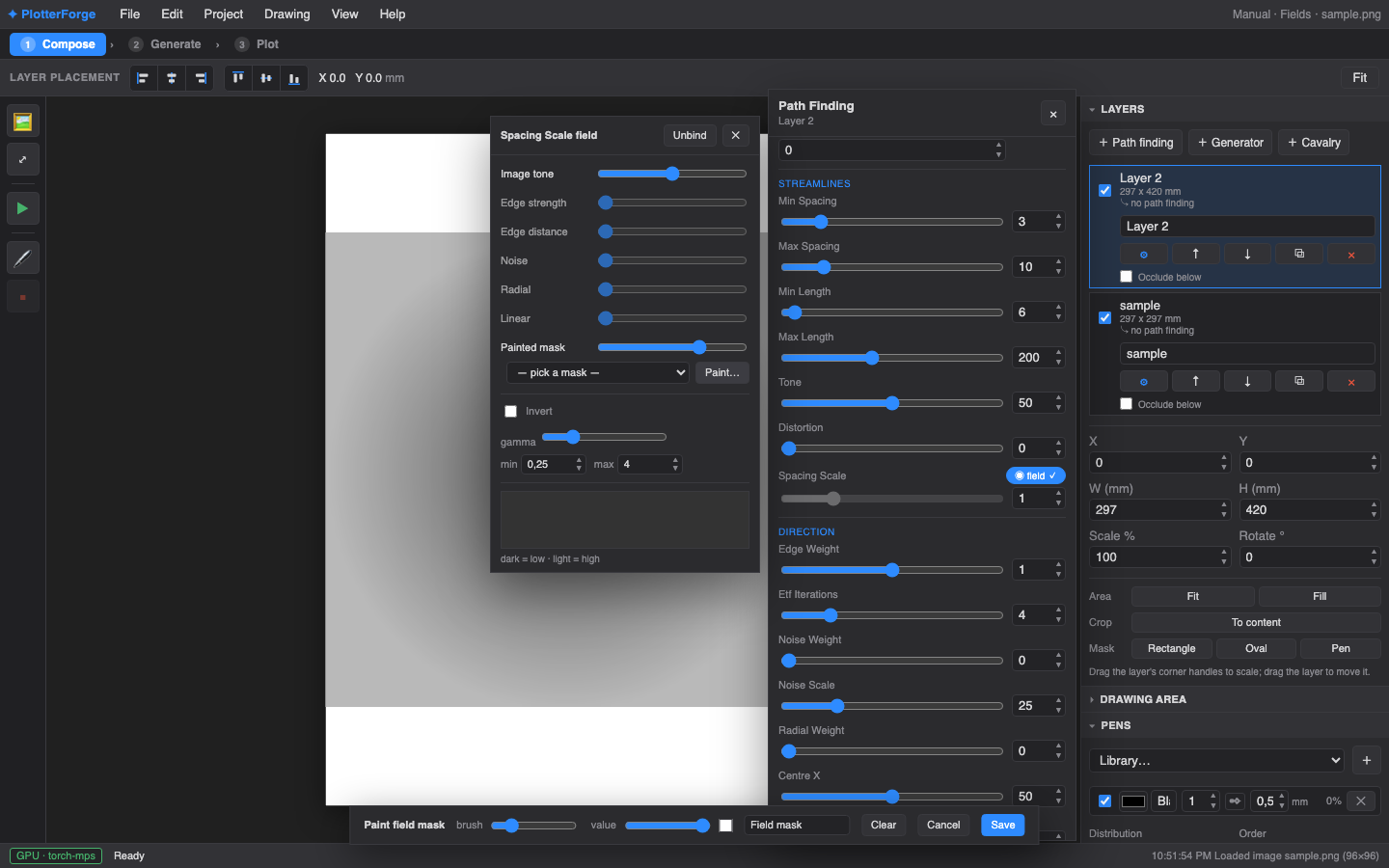
Click an object to isolate it with the local SAM2 model, then give that region its own style. Bind spacing or direction to image tone, edges, noise, a radial field, or a mask you paint yourself. The source can drive the drawing without dictating every mark.
Built for the physical result
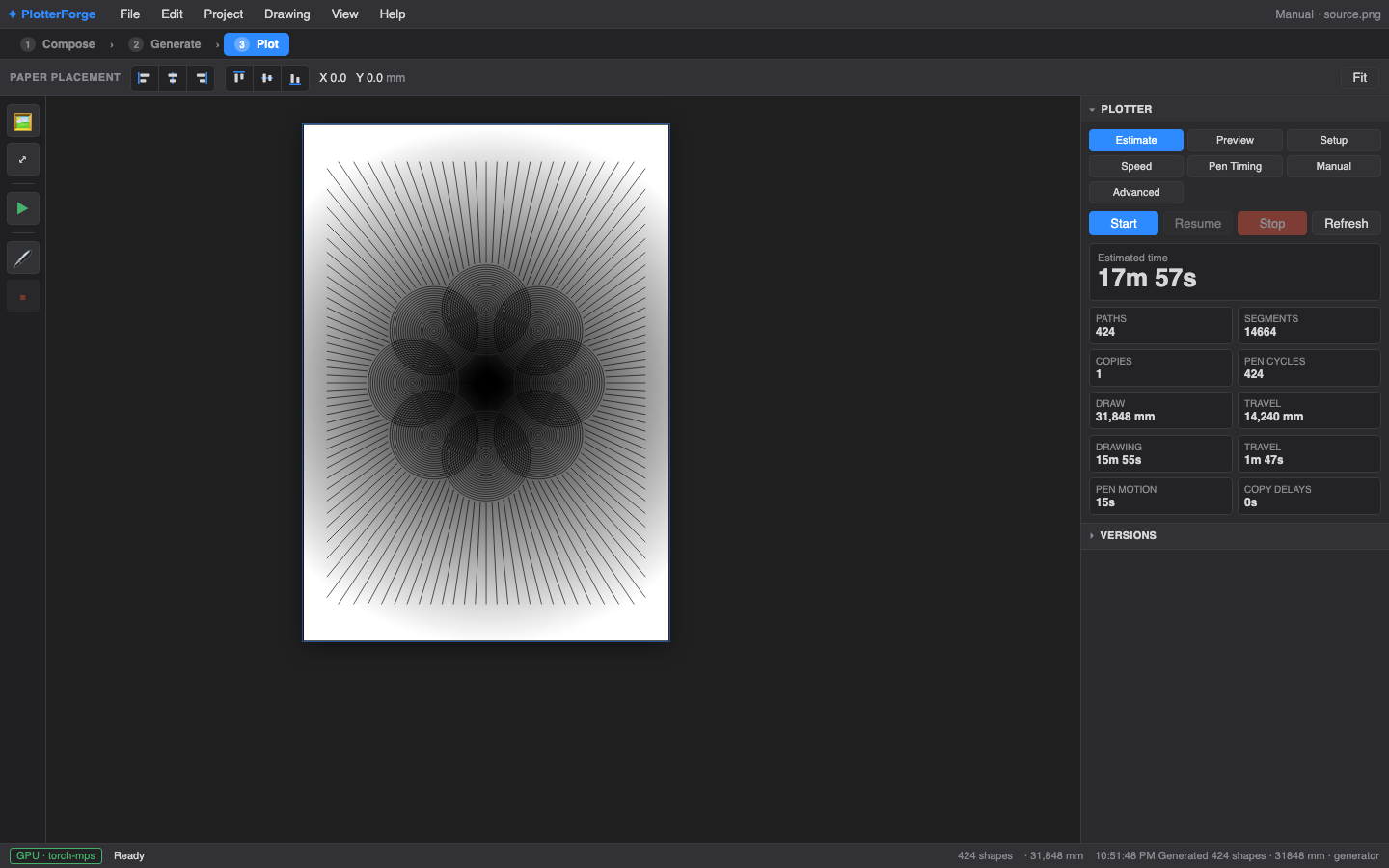
Preview pen widths and colours, inspect each pass, and see how much of the job is drawing versus travel. PlotterForge estimates time, distance, segments, and pen cycles before it sends anything to a Grbl machine.
A studio, not a filter
Original images stay intact. Reposition a layer or change its transform, then regenerate paths against the new composition.
Set colour, width, and flat-nib angle for each pen, then preview the order and run guided pen changes.
Heavy sampling stages use CUDA on Windows or MPS on Apple silicon, with a visible CPU fallback.
Save immutable project snapshots with thumbnails and return to an earlier direction without flattening your work.
Export a multi-layer SVG in millimetres for Inkscape, vpype, or the plotting setup you already use.
Stream SVG frames from Cavalry or bake a composition into a reusable, tone-responsive tessellation style.
Questions, answered
PlotterForge is a capable local workshop, but it still has a few setup requirements.
PlotterForge is free, open-source pen plotter software for turning raster images and procedural drawings into layered vector paths. It combines image composition, path generation, pen planning, SVG export, and direct Grbl plotting in one local app.
It covers a similar image-to-plot workflow, with its own layer-based composer, 50 built-in styles, SAM2 region segmentation, GPU acceleration, versioned projects, and direct Grbl plotting. PlotterForge is MIT-licensed and currently runs on supported Windows and Apple silicon machines.
Yes. Import a photo, choose a style such as stippling, hatching, TSP, spiral, dither, or flow fields, then export the paths as a multi-layer SVG in millimetres.
Yes. It can send a job to a Grbl-compatible plotter over serial, estimate drawing time, preview pen passes, guide pen changes, and stop or resume safely. You can also export SVG and plot from another application.
The current setup supports Windows 10 or 11 with an NVIDIA GPU and macOS on Apple silicon. Installation also requires the free uv Python project manager and Node.js.
No. PlotterForge runs locally, opens at localhost in your browser, and stores projects under your user folder. AI-assisted segmentation uses the locally installed SAM2 model.
Free · local · MIT licensed
PlotterForge currently supports Apple silicon Macs and Windows 10/11 computers with an NVIDIA GPU. Install uv and Node.js, run the one-time setup for your platform, then launch the local app with a double-click.
No account · No telemetry · Your source images stay local